
Tutorials
How to Power IP Cameras Without a Power Outlet Nearby
Run a camera where there is no socket: PoE switches, single-port injectors and 12V distribution boxes explained with product links.
Published 2026-07-18
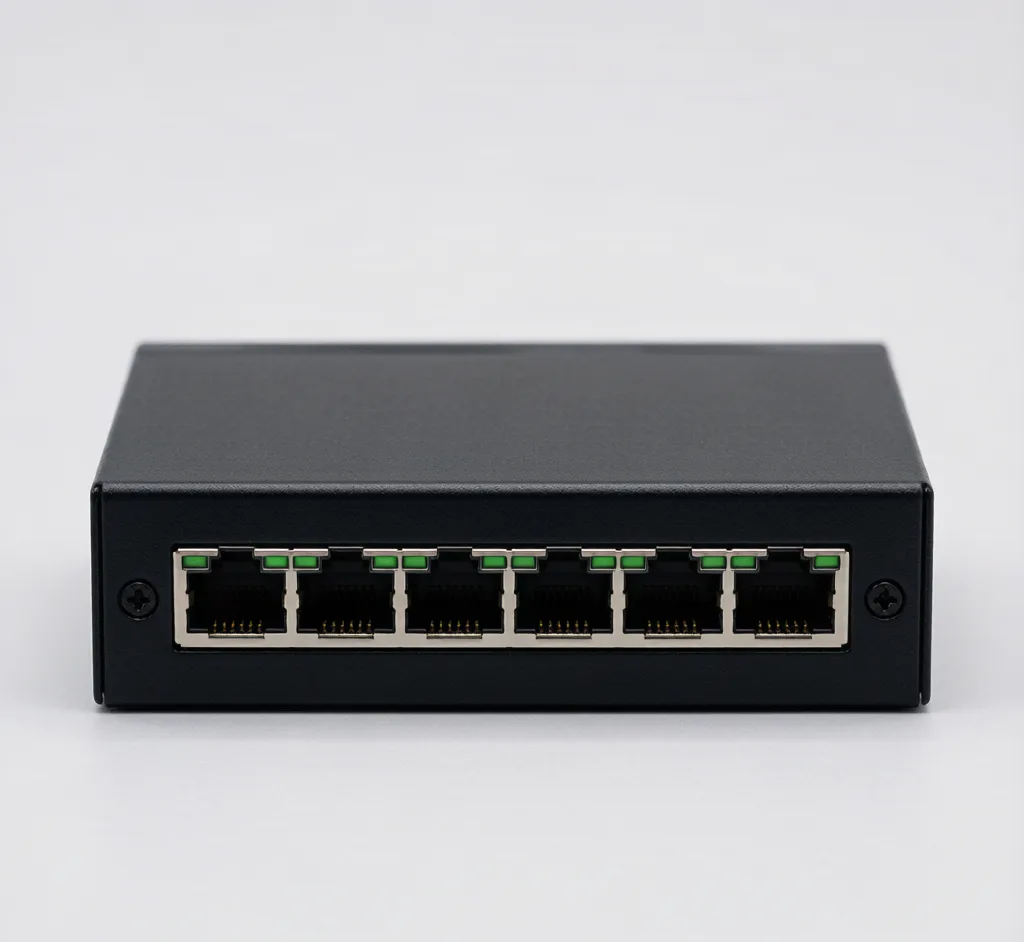
A camera mounted on a pole, ceiling or far wall rarely has a power outlet next to it. You have three clean ways to power it.
1. PoE — the default for IP cameras
If the camera supports PoE, run a single Cat6 to a PoE switch or injector. Power and data travel together — no separate wire.
2. Single-port PoE injector
Only one camera and a non-PoE port? A Gigabit PoE Injector (30W) adds 802.3at power to any switch or router port. Cheapest way to PoE-enable one camera.
3. Central 12V distribution
For analog or non-PoE cameras, a 12V 10A 18-Channel Power Box feeds many cameras from one fused source. Pair with DC plugs and run 18AWG power alongside the video cable.
Outdoor without shelter
Use a waterproof 12V 2A supply (IP67) where the camera has no cover, or PoE so the only run is a sealed Cat6.
Frequently asked
Can I power a camera with just an Ethernet cable?
Yes — if the camera supports PoE (most IP cameras do). A PoE switch or injector sends power and data over the same Cat5e/Cat6 cable, so no power outlet is needed at the camera.
How far can I run 12V camera power?
Voltage drop matters. Keep 12V runs short (under ~30m) or step up to 24V / use a local 12V supply at the camera end. PoE (48V) tolerates longer runs better.
Are SurveilForge accessories compatible with Hikvision, Dahua and Axis cameras?
Yes — they follow open surveillance standards (IEEE 802.3af/at PoE, RJ45, BNC, DC 12V/24V) and work with any brand using those standards, including Hikvision, Dahua and Axis. SurveilForge is an independent brand, not affiliated with any camera OEM.
Can I buy a single unit, or only wholesale?
Standard products are sold as single units in our shop. Custom or OEM branding and volume pricing start at a minimum order of 300 pieces.
How long does shipping take?
We ship worldwide; lead time varies by destination and order size. Contact us for a quote on your region.
Products mentioned in this guide
Gigabit PoE Injector (30W)
Model: SF-POE-INJ
Single-port 802.3at injector to power one camera from a non-PoE port.
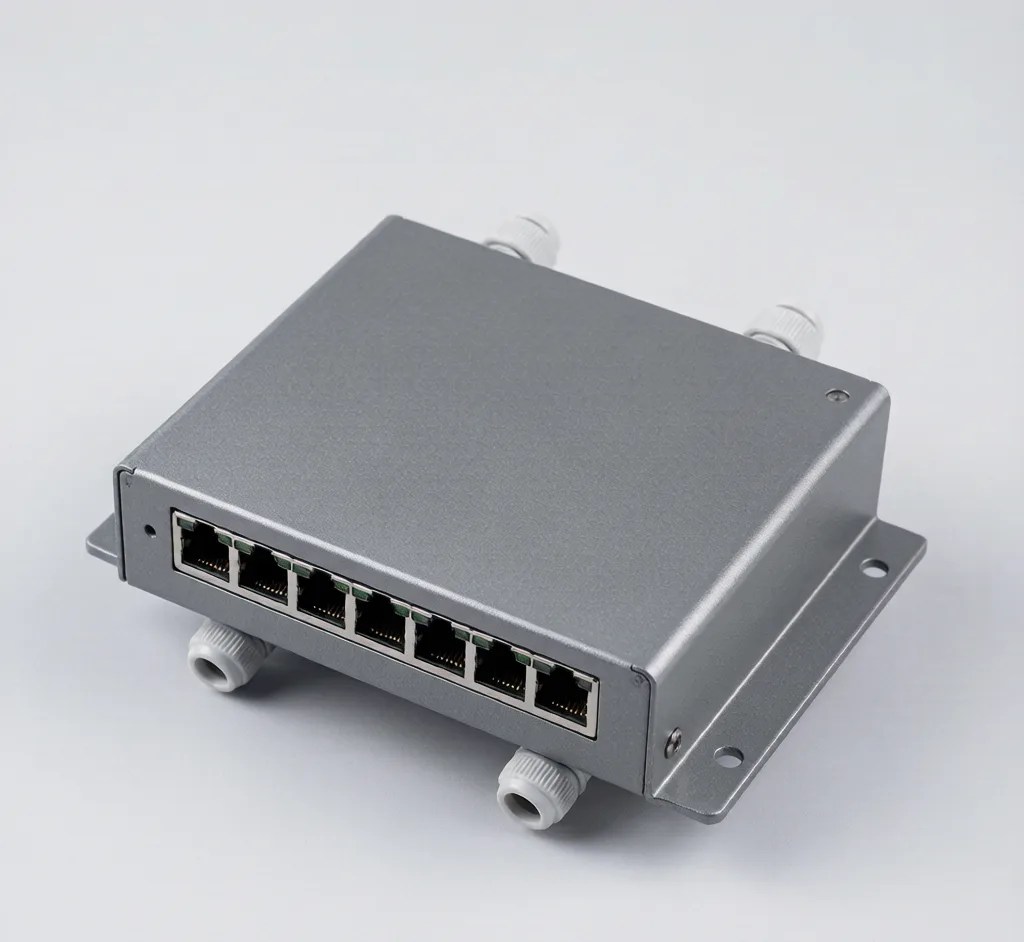
8-Port Outdoor Waterproof PoE Switch
Model: SF-POE-8P-OUT
IP66 outdoor PoE switch with surge protection for perimeter and parking camera runs.
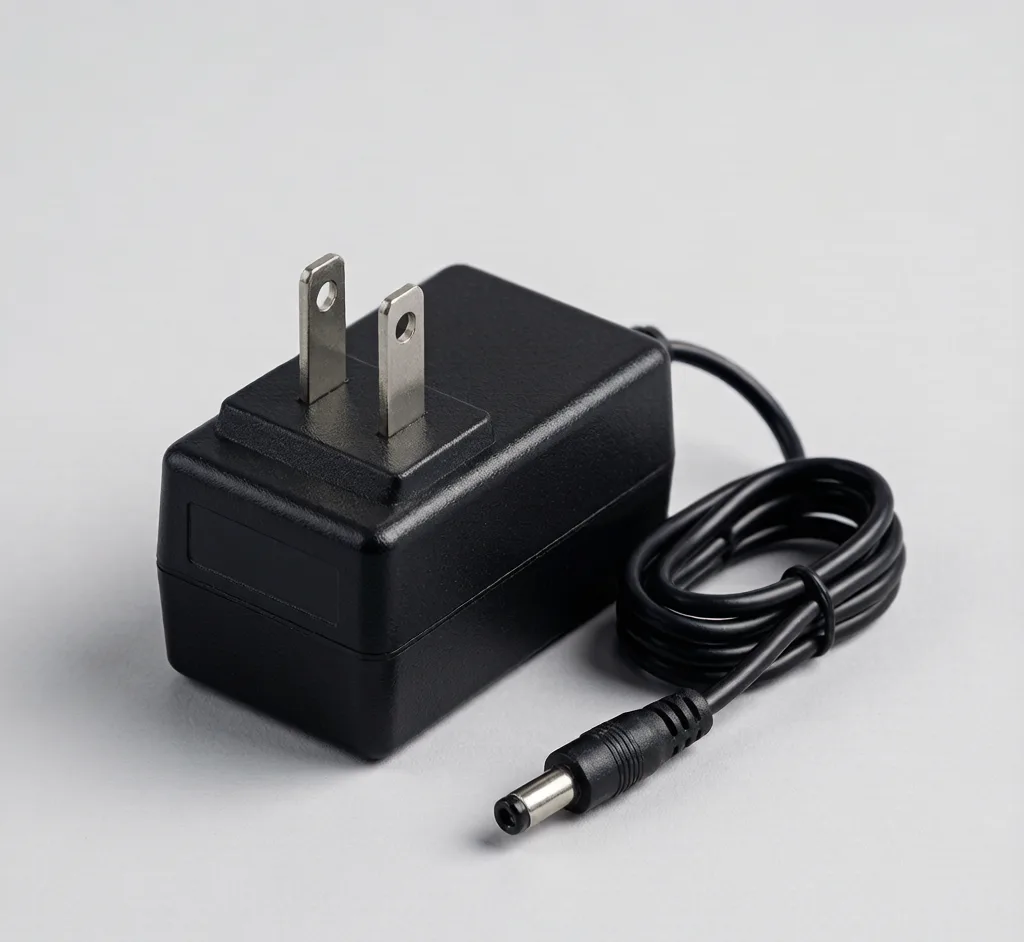
12V 10A 18-Channel Power Box
Model: SF-PS-12V10A
Central 18-channel 12V distribution box for multi-camera sites.
Waterproof 12V 2A Supply
Model: SF-PS-WATER
IP67 outdoor 12V adapter for cameras without local shelter.