
Scenarios
Warehouse CCTV Installation Guide: Covering Large Spaces
Warehouse CCTV planning: high-ceiling mounting, long cable runs, wide-angle lenses and a managed PoE switch that powers the whole edge.
Published 2026-07-14

Warehouses break the rules of small installs: tall ceilings, long runs and dozens of cameras. Plan the edge, not just the cameras.
Ceiling height changes everything
At 6–12m, you need wide-angle or varifocal lenses and stable mounts. Run cable along trays and use 16-Port or 24-Port PoE switches at rack points to avoid one giant run.
Power the whole edge
A 24-Port Gigabit PoE Switch with 4 SFP uplinks and 440W budget runs dozens of cameras plus access points, with VLAN/QoS keeping video prioritized.
Long runs between zones
For distant buildings or yards, bridge with a 5.8GHz Wireless Bridge instead of trenching cable.
Cable management
Use Cat6 in bulk boxes, terminate with crimper kits, and verify with a tester before dressing trays.
Frequently asked
What PoE switch for a warehouse with 20+ cameras?
A 24-port gigabit PoE switch (802.3at, ~440W budget) powers 20+ cameras and APs with SFP uplinks for backbone links. Add a second switch per zone for very large sites.
How do I cover a warehouse with high ceilings?
Use wide-angle or varifocal lenses, mount on trays or pendants, and keep runs under 100m (or use wireless bridges between buildings).
Are SurveilForge accessories compatible with Hikvision, Dahua and Axis cameras?
Yes — they follow open surveillance standards (IEEE 802.3af/at PoE, RJ45, BNC, DC 12V/24V) and work with any brand using those standards, including Hikvision, Dahua and Axis. SurveilForge is an independent brand, not affiliated with any camera OEM.
Can I buy a single unit, or only wholesale?
Standard products are sold as single units in our shop. Custom or OEM branding and volume pricing start at a minimum order of 300 pieces.
How long does shipping take?
We ship worldwide; lead time varies by destination and order size. Contact us for a quote on your region.
Products mentioned in this guide
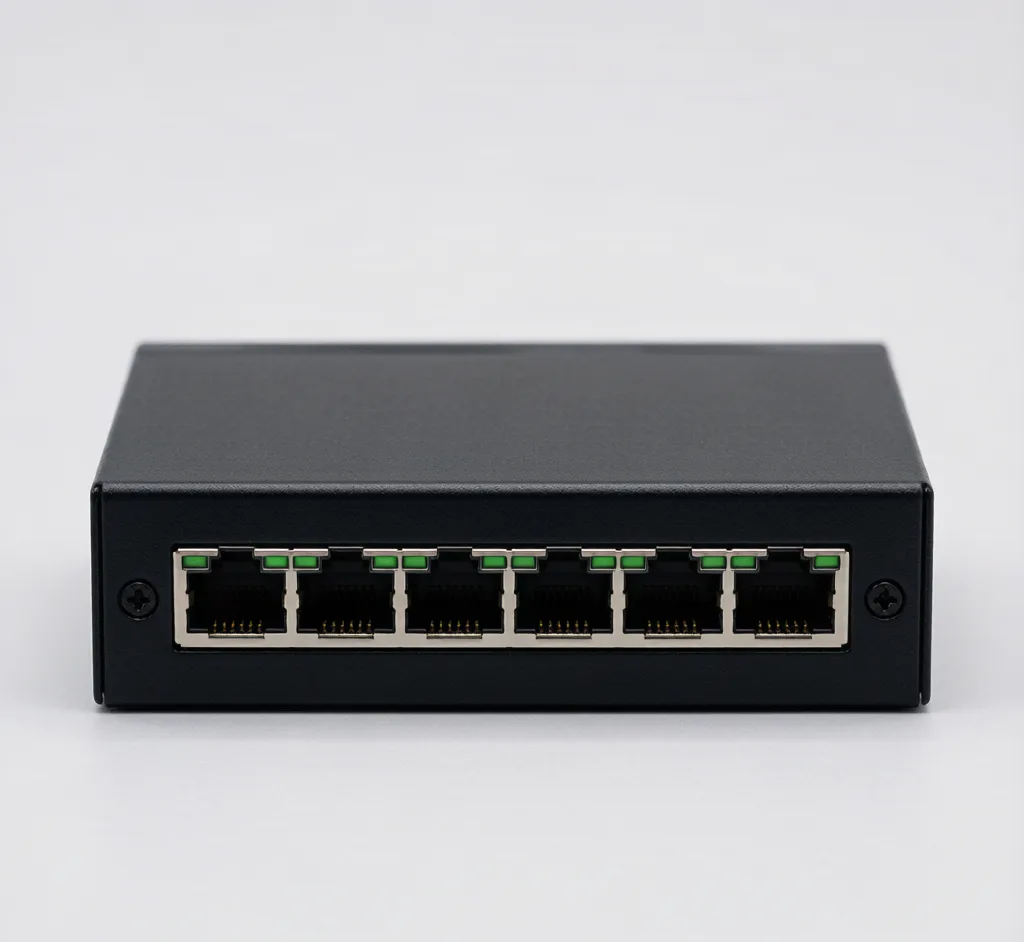
24-Port PoE Switch
Model: SF-POE-24P
24-port gigabit PoE switch for campus and enterprise surveillance backbones.
16-Port PoE Switch
Model: SF-POE-16P
16-port 10/100 PoE switch for mid-size multi-camera deployments.
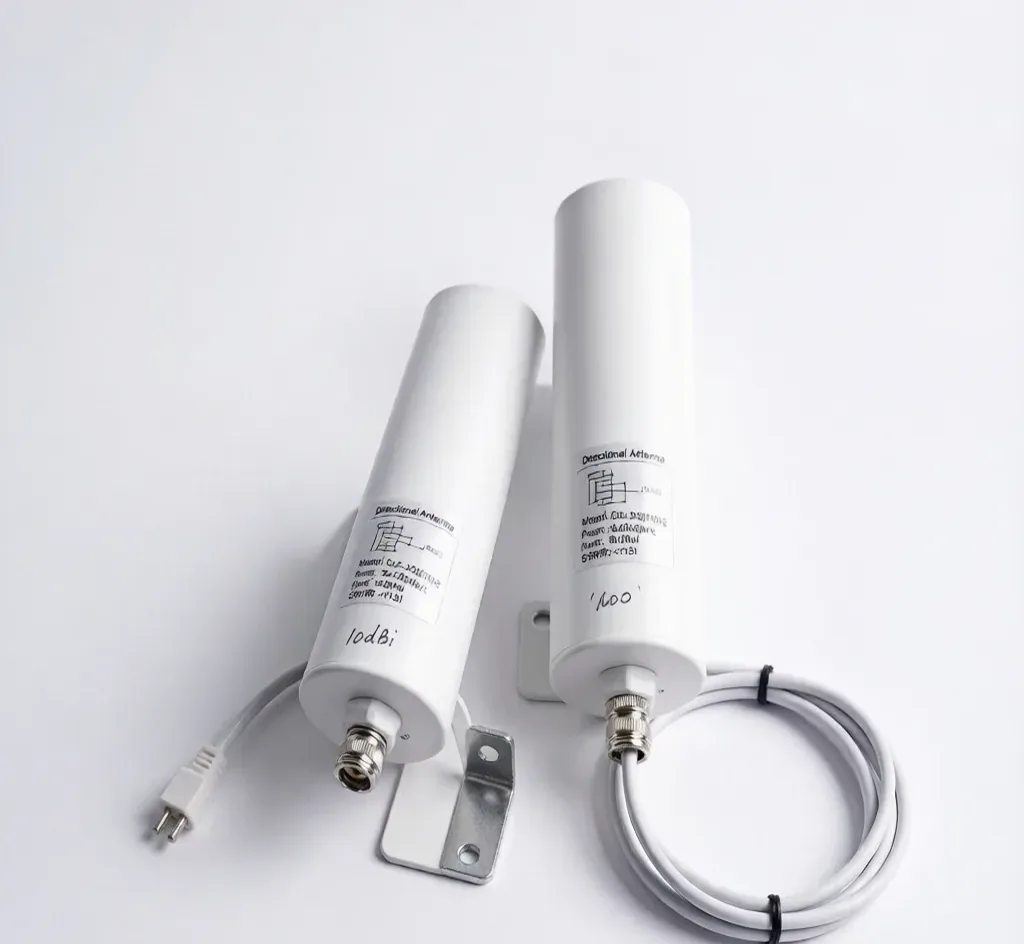
5.8GHz 3KM Wireless Bridge (CPE)
Model: SF-WIFI-BRIDGE
Point-to-point wireless bridge to link cameras across distances without cable.
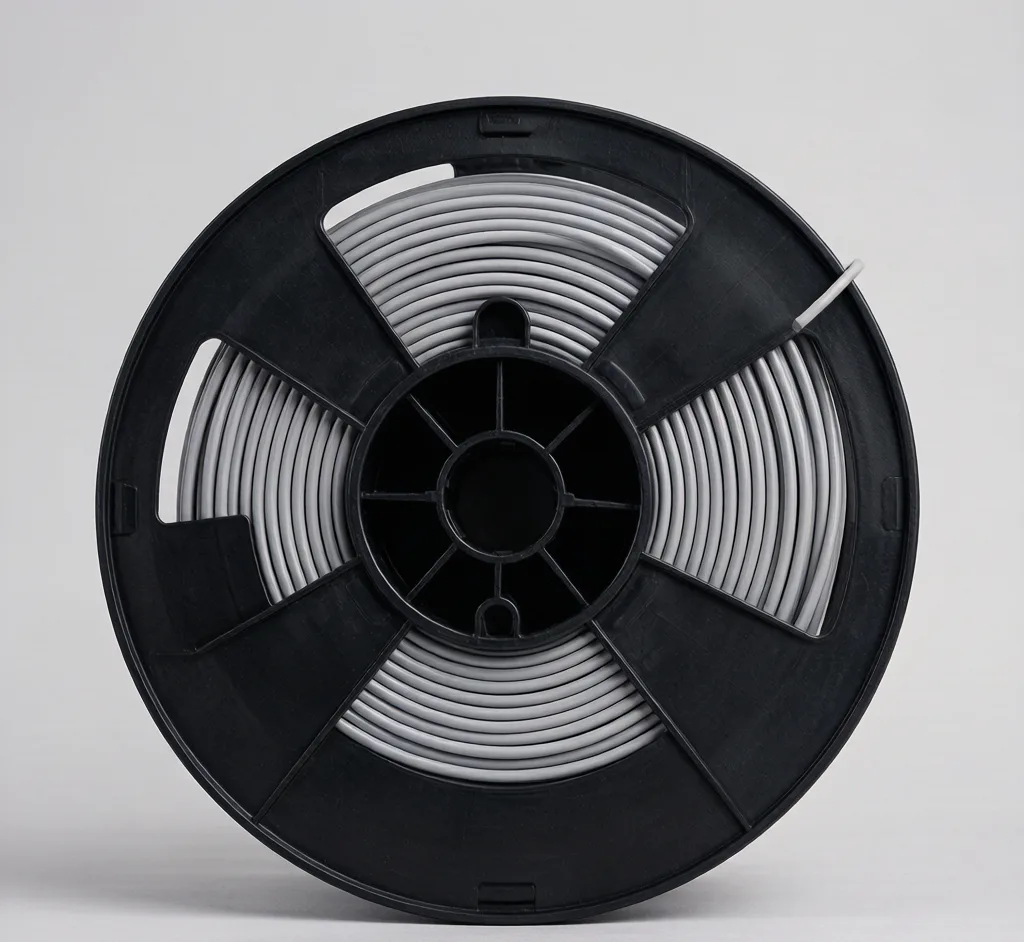
Cat6 Cable 305m (Box)
Model: SF-CABLE-CAT6
305m box of Cat6 UTP for IP camera and PoE network backbone.