
Tutorials
PoE Camera Not Powering On? 7 Causes and Fixes
A dark PoE camera is almost always a power problem: wrong port, bad termination, >100m run, or too few watts. Seven checks get it back online.
Published 2026-08-14
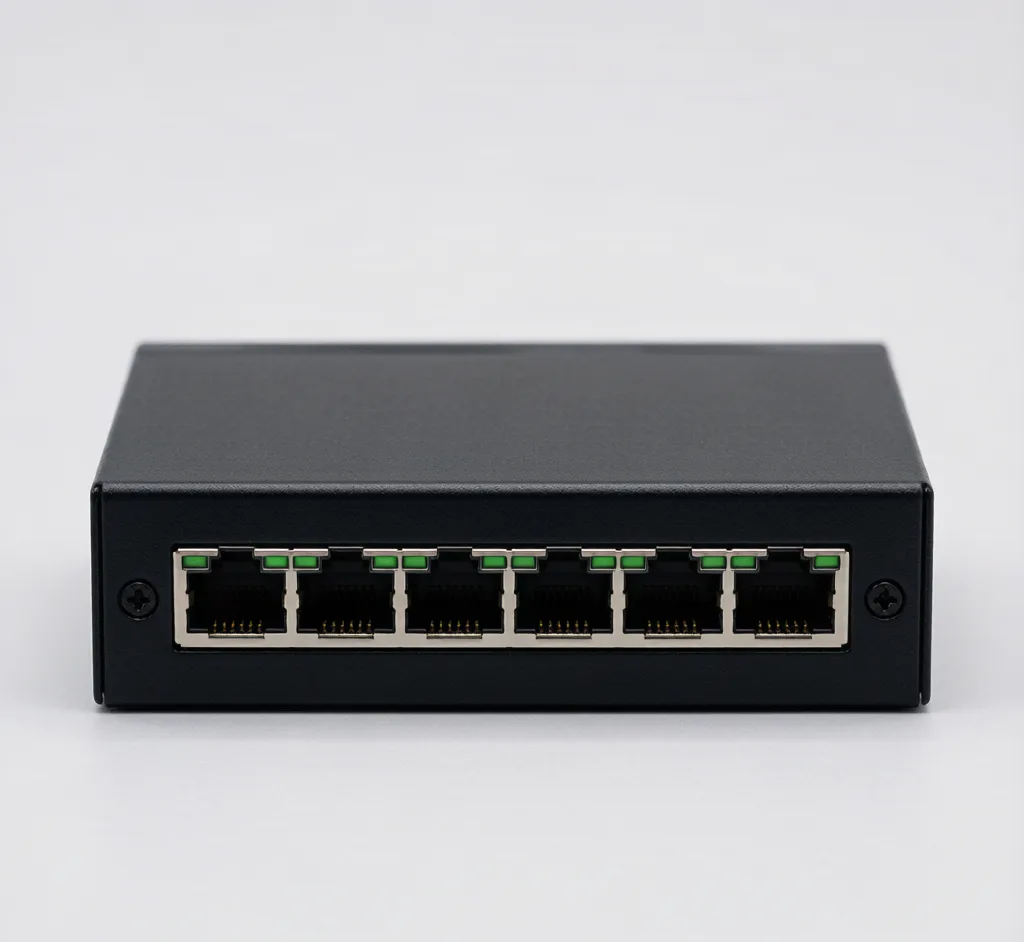
A PoE camera that stays dark almost always comes down to power, not the camera. Work through these seven checks in order.
1. Is the port actually PoE?
Not every switch port delivers power. Confirm the camera is on a PoE port of a compliant switch like the 8-port 802.3at or a single-port injector. A plain LAN port won't power anything.
2. Cable good end to end?
PoE needs all eight conductors. A mis-terminated RJ45 drops power. Re-crimp with the crimper kit and verify with the cable tester — all 8 lights in order.
3. Under 100m?
Past 100m, PoE voltage drops and the camera won't boot. Use a long-range switch, a wireless bridge or fiber.
4. Enough watts?
A PTZ or 4K camera needs 802.3at (30W); a 15.4W 802.3af port leaves it dark. Check the switch's per-port budget.
5. Uplink, not a PoE port
Don't plug the camera into the switch's dedicated uplink — that port often isn't powered. Use a numbered PoE port.
6. Patch lead / auto-MDIX
Some cameras need a known-good patch. Swap the patch lead between camera and switch.
7. Camera or switch fault
If another camera powers on the same port, the unit is faulty — replace it. If nothing powers on any port, the switch or injector is the problem.
Background: powering cameras without an outlet and switch vs injector.
Frequently asked
Why does my PoE camera have no light at all?
No light means no power. Check the port is PoE (not the uplink), the cable is fully terminated on all 8 pins, the run is under 100m, and the port budget (802.3af vs 802.3at) matches the camera.
Can a bad cable stop PoE but still pass data?
Sometimes. PoE uses extra pairs; a cable that carries data on 2 pairs but breaks the power pairs will show a "connected" camera that never boots. Test all 8 conductors.
Are SurveilForge accessories compatible with Hikvision, Dahua and Axis cameras?
Yes — they follow open surveillance standards (IEEE 802.3af/at PoE, RJ45, BNC, DC 12V/24V) and work with any brand using those standards, including Hikvision, Dahua and Axis. SurveilForge is an independent brand, not affiliated with any camera OEM.
Can I buy a single unit, or only wholesale?
Standard products are sold as single units in our shop. Custom or OEM branding and volume pricing start at a minimum order of 300 pieces.
How long does shipping take?
We ship worldwide; lead time varies by destination and order size. Contact us for a quote on your region.
Products mentioned in this guide
Gigabit PoE Injector (30W)
Model: SF-POE-INJ
Single-port 802.3at injector to power one camera from a non-PoE port.
8-Port PoE Switch (802.3at)
Model: SF-POE-8P-AT
8-port 10/100 PoE switch, 48V, up to 30W per port for PTZ and high-power cameras.
4-Port PoE Switch (802.3af)
Model: SF-POE-4P-AF
Compact 4-port 10/100 PoE switch, 48V, powers up to 4 IP cameras.
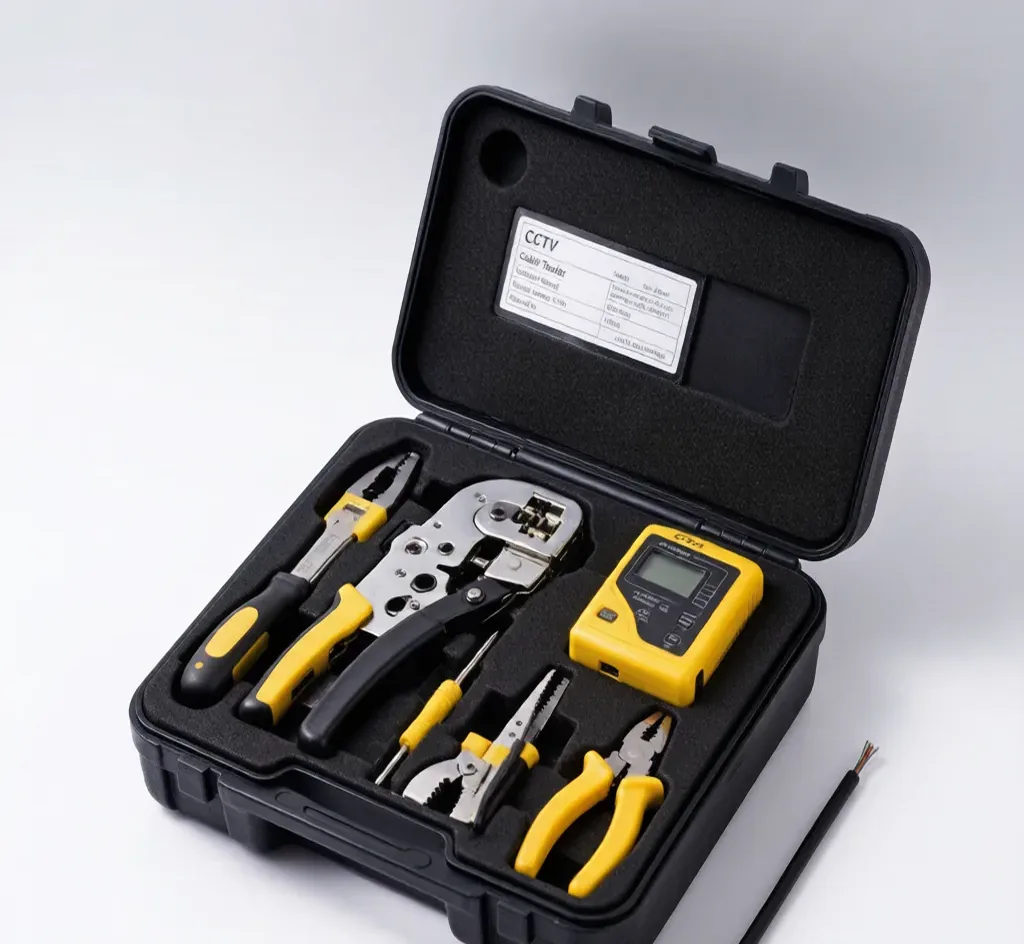
Cable & Network Tester
Model: SF-TESTER-CABLE
Pocket tester for RJ45, BNC and telephone lines.